


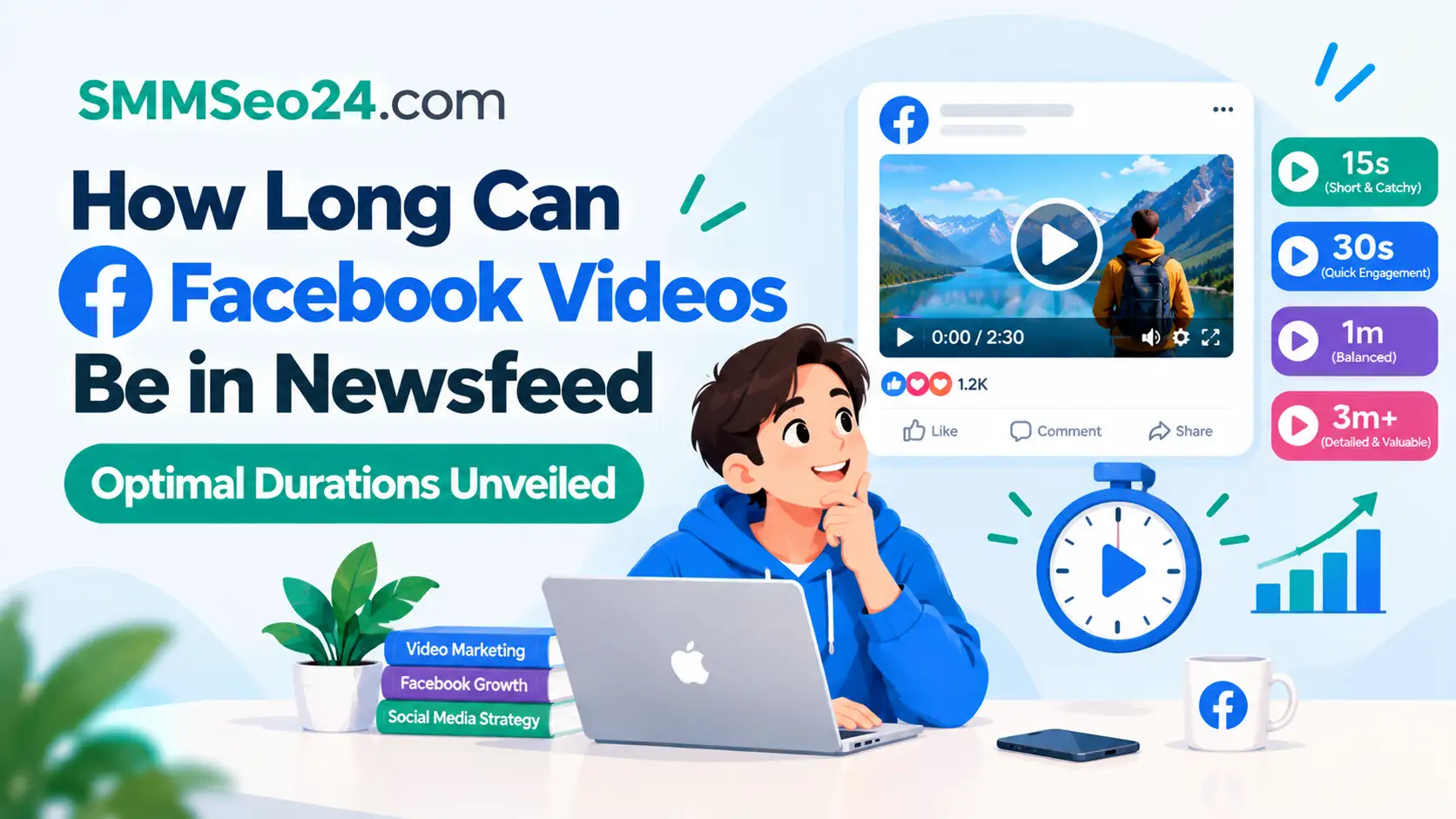
A Facebook video in the newsfeed can run up to 240 minutes, but optimal durations are much shorter. For most organic posts, 1 to 3 minutes holds attention best, while paid ads perform strongest between 5 and 15 seconds.
SMM & Reputation Growth
Grow Your Brand Online — Faster
Boost your social media presence and build a stronger online reputation with SMMSEO24. Trusted by businesses across the US.
- Fast Delivery
- 24/7 Support
- Secure Checkout
Your file size, your page’s past watch-time data, and whether you’re paying for reach all change that number. A 3-minute clip on a new page won’t behave like one on a page with 50,000 followers. The rest of this page shows you exactly where your own numbers fall.
Who needs optimal durations for Facebook newsfeed videos
Three different people search for this answer, and they don’t need the same thing. A small business owner running their first ad campaign wants the exact second count that keeps cost-per-click low. They usually have a 30-second product demo ready and don’t know if it’s too long.
A social media manager posting daily organic content needs the ceiling. They already edit clips down from longer YouTube uploads and want to know where Facebook stops rewarding them. Their files are often 1 to 3 GB, sitting near the platform’s limits.
A casual user uploading a family event just wants the upload to finish without an error message. They aren’t tracking retention graphs or ad spend.
This page serves the small business owner and the social media manager. If you’re uploading a personal clip under 10 minutes, you don’t need the breakdown below — just keep the file under 4 GB and you’ll be fine. Everything here assumes you’re publishing from a Facebook Business Page or running ads through Meta Ads Manager.
What changes your ideal video length
The algorithm doesn’t treat every minute equally. Five things shift where your drop-off point lands, and getting the biggest one wrong costs you the whole audience before the second scene plays.
Audience intent. People scrolling their feed aren’t looking for you. If they didn’t search for your topic, a 15-second hook is all you get before they swipe away. If they clicked a link expecting a tutorial, they’ll stay for 5 minutes. Match the length to why they arrived, not to what you filmed.
Organic versus paid reach. Paid ads lose viewers faster because the “Sponsored” label lowers patience. Keep paid clips between 5 and 15 seconds for cold audiences. Organic posts on your own page can stretch to 3 minutes if your followers already engage with your content. This is the factor pages miscalculate most often — treating an ad like an organic post.
File size and resolution. Facebook accepts files up to 10 GB. But a 4K file takes longer to buffer on mobile networks, and buffering kills retention. If your audience is mostly on phones, compress to 1080p at 30 frames per second. You can check your audience’s device split inside Meta Business Suite under Insights > Audience.
Past retention data. Your own page history matters more than any general guide. Open Meta Business Suite, look at the average watch time for your last five videos, and set your next target 10% shorter than that average. That number is your real limit.
Content format. A talking head explaining a policy needs fewer cuts but loses people fast. A visual recipe or unboxing holds eyes longer. If your format relies on text overlays, keep it under 60 seconds so viewers don’t have to pause to read.
Setting your Facebook video duration
Follow these steps in order. Each one gives you a clear sign it worked before you move to the next. This assumes you’re uploading from a desktop browser via Meta Business Suite.
- Open Meta Business Suite and click “Create Post” or go to Ads Manager for a paid campaign. The composer window will load with a blank text field.
- Click “Add Video” and select your edited file. Wait for the progress bar to hit 100%. If it stalls, your file is over 10 GB or uses an unsupported codec — convert it to MP4 (H.264) first.
- Check the processing preview. Once uploaded, Facebook shows a thumbnail and the total runtime in the bottom left corner of the player. Confirm this matches your intended length.
- Write a caption under 125 characters for mobile display. Longer captions get truncated behind a “See More” button, which drops click-through rates.
- Select your placement. For News Feed only, uncheck Instagram, Messenger, and Audience Network in the placement settings. Different placements enforce different maximum lengths.
- Set a custom thumbnail by clicking “Edit Thumbnail” and uploading a 1280×720 pixel image. Don’t rely on the auto-generated frame; it often catches a blurry transition.
- Choose your audience or targeting parameters. If it’s an ad, set your budget and schedule here.
- Publish or launch the campaign. Click the blue button at the bottom right. The status will change to “Processing” and then “Published.”
The single judgment call happens at step 3. If the runtime feels even slightly too long for your hook, don’t publish it hoping the algorithm will forgive you. Go back to your editor, cut the weakest 10 seconds, and re-upload. Facebook’s video specifications confirm the supported formats and size limits, but they won’t tell you when to stop cutting — only your retention graph will.
If you’re editing raw footage larger than 10 GB, that requires professional encoding software and storage setups outside standard page management. Hand that off to a video production service.
Duration targets by situation
Different goals demand different runtimes. Use this table to find the match for what you’re actually trying to do today.
| Situation | Target length | Effort required | Watch out for |
|---|---|---|---|
| Cold traffic ad | 5–15 seconds | High editing effort | Viewer skipping instantly |
| Warm audience ad | 15–60 seconds | Medium editing effort | Message repeating itself |
| Organic brand story | 1–3 minutes | Medium editing effort | Drop-off after 30 seconds |
| Tutorial or how-to | 3–10 minutes | High editing effort | Audio quality issues |
| Live stream replay | 10–60 minutes | Low editing effort | Dead air at start |
| Product unboxing | 1–2 minutes | Low editing effort | Shaky camera work |
These ranges assume a standard 1080p file optimized for mobile viewing. If you’re targeting desktop users primarily, you can push the upper end of each range by about 30%, since larger screens tolerate slower pacing.
Details that hold viewer attention
The first three seconds decide everything
Retention graphs in Meta Business Suite show a steep cliff in the first 3 seconds. If your video starts with a logo fade-in or a slow pan across a room, you’ve already lost half the feed scrollers. Start mid-action or with a text overlay that states the payoff immediately.
Compare your 3-second view rate against your total impressions. If only a small fraction of people who saw the first frame stayed past 3 seconds, your opening is the problem, not the total length. Cut the intro entirely on the next upload.
Pacing beats total runtime
A 2-minute video with a cut every 4 seconds holds more viewers than a 60-second video with one static shot. Change the visual frame constantly. Zoom in, switch angles, or pop up text.
Don’t add cuts just to fill time. Every edit must move the information forward. If you remove a scene and the message still makes sense, that scene was padding. Padding is what drives the average watch time down and tells the algorithm to stop showing your post.
Fixing common video length problems
When a video underperforms, the symptom usually points straight to the cause. Here’s how to match what you see to what you should do next.
| What you notice | What it usually means | What to do first | How to stop it happening again |
|---|---|---|---|
| Views stop at 3 seconds | Hook is too slow | Move action to frame one | Test two openings next time |
| Upload fails halfway | File exceeds 10 GB | Compress using H.264 codec | Check file size before exporting |
| Ad costs spike quickly | Video is too long | Cut to under 15 seconds | Stick to short ads for cold audiences |
| No sound plays automatically | Relying on audio hook | Add captions to visuals | Always design for muted autoplay |
| Reach drops after posting | Algorithm penalized retention | Delete and re-upload shorter version | Review past watch-time data first |
| Video looks blurry | Resolution is too low | Export at 1080p minimum | Set template defaults in editor |
If your video gets flagged for copyright music, that’s a legal issue, not a length issue. Replace the audio track with royalty-free music from Meta’s Sound Collection before reposting.
Platform limits you must follow
Facebook enforces hard technical ceilings. The maximum file size is 10 GB, and the maximum length is 240 minutes. These apply to standard uploads through Meta Business Suite and your Page timeline.
For ads, the rules tighten. Feed video ads support up to 240 minutes technically, but Meta’s own advertising guidance recommends keeping them under 15 seconds for optimal delivery. Stories and Reels placements cap out at 60 and 90 seconds respectively.
These limits differ if you’re using a personal profile instead of a Business Page. Personal profiles share the same 240-minute ceiling, but you lack access to the retention analytics needed to optimize within it.
Rules also shift by region due to local media regulations. Check the Meta Business Help Center for your specific country’s advertising policies, as some regions restrict certain content categories regardless of length. If your video involves regulated goods like alcohol or financial services, consult a compliance specialist before publishing — the length won’t matter if the content violates regional ad laws.
What producing these videos costs
Time is the heaviest cost here, not server fees. Uploading to Facebook is free, but producing a video that actually holds attention for its full runtime isn’t.
A 60-second video optimized for mobile typically takes 2 to 4 hours to script, shoot, and edit if you’re doing it yourself. Hiring a freelance editor for that same 60-second clip usually runs between $50 and $150, depending on the complexity of the graphics.
If you’re running paid ads, the video length directly impacts your budget efficiency. A 3-minute video shown to a cold audience wastes money on viewers who leave after 10 seconds. You pay for the impression, but gain nothing from the remaining 2 minutes and 50 seconds. Shorter ads mean tighter spending.
Storage is a minor factor until it isn’t. Keeping dozens of 4K source files on your drive eats space fast. Cloud storage subscriptions add monthly fees. Check your current drive capacity before planning a heavy upload schedule. Prices for editing software and cloud hosting change constantly, so compare current plans directly on provider sites rather than relying on old quotes.
Keeping your video strategy sharp
Posting the video isn’t the end of the job. After it goes live, monitor the retention graph inside Meta Business Suite daily for the first week. Look specifically for the point where the line dips below 50% of your starting viewers.
If that dip happens at 45 seconds on a 2-minute video, your next upload shouldn’t exceed 40 seconds unless you change the format entirely. Don’t guess — let the graph dictate the ceiling.
Keep your source project files organized. Name them with the date, platform, and runtime (e.g., “2026-10-13_FB_60s”). When you need to recut a video for a different placement, having the original timeline saves hours of rebuilding.
Watch for platform updates. Meta occasionally adjusts how the News Feed prioritizes native video versus shared links. If your reach suddenly halves without a change in your content, check the official Meta for Business blog for algorithm announcements before you start frantically re-editing your entire library.
When Facebook video is the wrong choice
Not every message belongs in the News Feed as a video. If your goal is detailed technical documentation, a written help center article or a searchable PDF works better. Viewers won’t scrub through a 15-minute video to find one specific setting.
If you need immediate, real-time interaction with your audience, use Facebook Live instead of a pre-recorded upload. Pre-recorded videos don’t allow for live Q&A, which is the main reason people tune into broadcasts.
If your target audience is strictly B2B enterprise buyers, LinkedIn’s native video environment often yields higher completion rates for professional content. Facebook’s feed is heavily optimized for entertainment and personal connection.
Finally, if your file relies on high-fidelity audio—like a music release or a podcast excerpt—dedicated platforms like Spotify or Apple Podcasts preserve quality better than Facebook’s compression. Pushing a lossless audio file through a social feed strips the detail you spent money mastering.
Frequently asked questions
Can I post a 10-minute video on Facebook?
Yes, you can post a 10-minute video. The platform allows up to 240 minutes. However, retention drops sharply after 3 minutes for organic posts, so only use 10 minutes if your audience expects a deep dive or tutorial.
Why does my Facebook video stop getting views?
Views stall when the average watch time falls below the platform’s threshold for distribution. Check your retention graph in Meta Business Suite. If viewers leave before the 30-second mark, the algorithm stops pushing the post to new feeds.
How long should a Facebook ad video be?
Keep cold-audience Facebook ad videos between 5 and 15 seconds. For warm audiences who already know your brand, 15 to 60 seconds works. Anything longer burns through your daily budget without delivering proportional conversions.
Is it safe to upload 4K videos to Facebook?
It’s safe, but inefficient. Facebook compresses 4K files down to 1080p for most mobile viewers anyway. You waste upload time and storage space. Export directly at 1080p, 30 frames per second, using the H.264 codec for the fastest processing.
What happens if my video is over 10 GB?
The upload will fail. Facebook enforces a strict 10 GB file size limit. You’ll need to compress the video using editing software or lower the resolution before attempting the upload again through Meta Business Suite.
Does video length affect my page ranking?
Video length itself isn’t a direct ranking signal, but watch time is. A short video watched completely signals higher quality than a long video abandoned halfway. Prioritize completion rate over raw duration to improve your page’s organic reach.
How long can Facebook Reels be?
Facebook Reels are capped at 90 seconds. This is separate from the standard News Feed video limit of 240 minutes. If you try to upload a 2-minute vertical video as a Reel, the system will prompt you to trim it down first.
Do captions matter for short videos?
Yes, captions are essential. Over 80% of News Feed videos play without sound initially. If your 15-second ad relies on a voiceover to explain the offer, viewers scrolling silently will skip it. Burn text directly into the video file.
Starting your next Facebook video
Open Meta Business Suite today and pull the retention graph for your last three uploads. Find the exact second where half your viewers left, and set that number as the maximum runtime for your next edit.

WRITTEN BY


