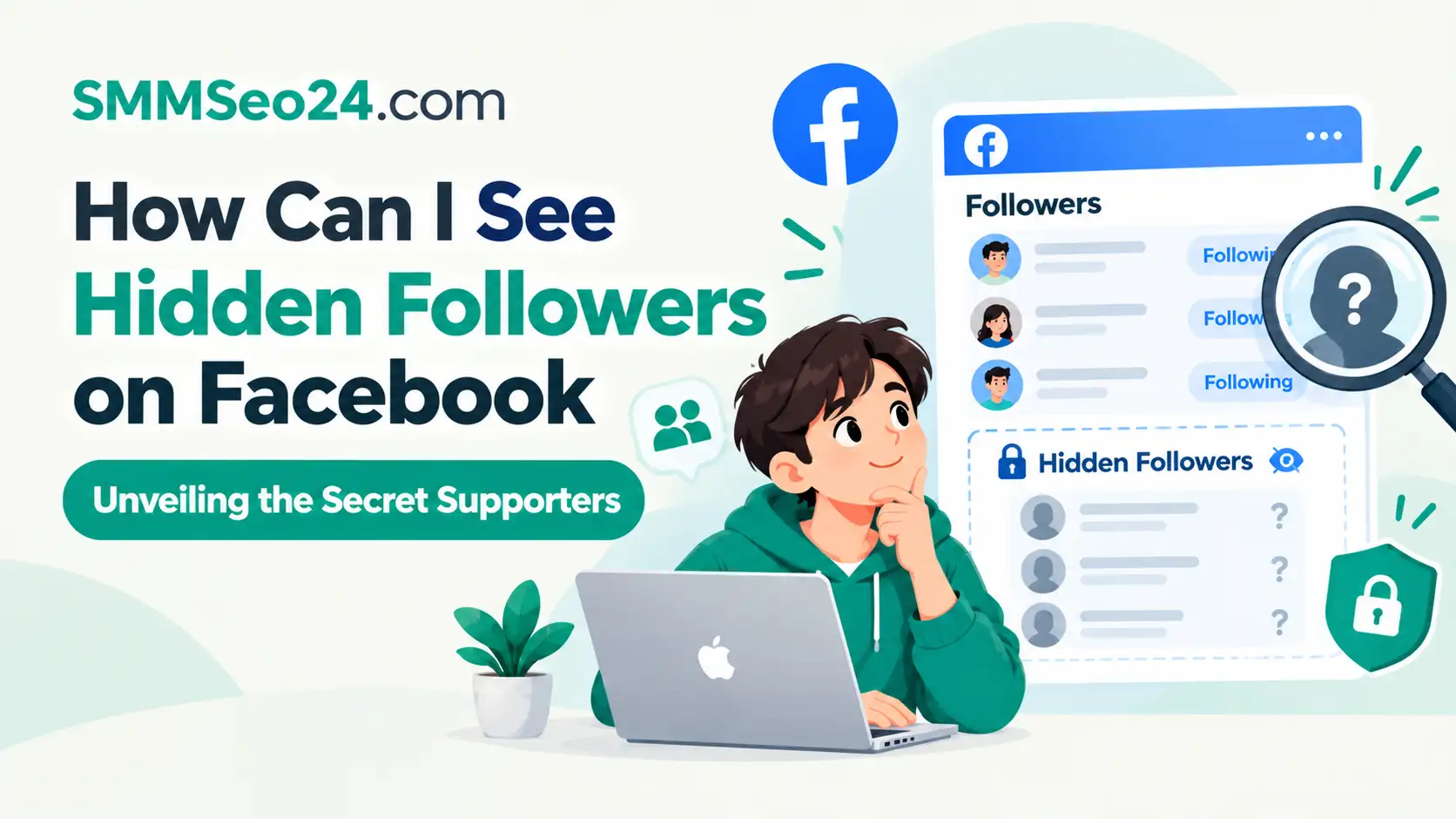
No, you can’t. Facebook doesn’t let anyone see hidden followers on a profile or page because the platform’s privacy rules block that data completely. The only thing that changes this answer is when someone follows your public page without hiding their action from their own timeline. You can’t view secret supporters through any real feature, so close any app that promises it right now. Go to your settings and change your password if you already gave one of those tools access.
SMM & Reputation Growth
Grow Your Brand Online — Faster
Boost your social media presence and build a stronger online reputation with SMMSEO24. Trusted by businesses across the US.
- Fast Delivery
- 24/7 Support
- Secure Checkout
When are Facebook followers visible
Your follower list shows people who chose to make their follow public. A person hides their follow by changing their own privacy setting, and Facebook respects that choice everywhere. You can only count them in your total number.
| Your situation | Answer | Why |
|---|---|---|
| Checking a personal profile | No | Privacy settings hide them completely |
| Running a public business page | Only the total count | Page Insights masks individual identities |
| Someone follows you publicly | Yes | They left their follow visible on purpose |
| Using a third-party tracker app | No | Facebook’s API blocks this data entirely |
| Looking at a friend’s profile | No | You only see what they allow friends to see |
| Counting your own total followers | Yes, just the number | The counter includes everyone, even hidden ones |
The default for new accounts is public following. Most users never change it. That means your visible list usually captures the majority of your audience.
People who hide their follows tend to be older or more privacy-aware. If your content targets professionals, expect a larger invisible segment.
Third-party apps claiming to reveal hidden followers are lying. Facebook doesn’t expose that field through any approved developer tool. Installing one risks your account credentials.
A common mistake is assuming your visible list matches your reach. It does not. Hidden followers still see your posts in their feeds.
If you need to know who engages most, sort your visible followers by interaction instead. Check who comments or shares your posts regularly.
Business pages face a stricter limit than personal profiles. Page admins can’t click through to see any individual follower. You get demographics like age ranges and cities instead.
Personal profiles let you scroll through names. But only the ones set to public will appear in that scroll.
How Facebook handles follower privacy
The privacy setting lives on the follower’s side, not yours. When someone clicks “Follow” on your profile, they choose who sees that action. They pick “Public,” “Friends,” or “Only me.” If they pick “Only me,” your list won’t show their name.
Facebook designed it this way so people can read content without announcing it. The platform’s privacy controls explain exactly how users manage who sees their activity. That official help page details the choices every account holder gets.
You’ll notice a gap between your total follower count and the names on your list. That gap is the hidden followers. If your counter says 400 but you only see 350 names, fifty people set their follow to private.
This trade-off protects user privacy but limits your ability to know your exact audience. You get the reach without knowing who provides it. There’s no setting on your end that overrides their choice.
Business pages work slightly differently but follow the same rule. Page admins see a total follower number in Meta Business Suite. They don’t get a full list of every person unless those people liked the page publicly.
A follow on a page is quieter than a like. People use it to see posts without linking their name to your brand visibly. You can’t force their names into your view.
Third-party apps claim they can reveal these accounts. They can’t. Facebook’s Graph API simply doesn’t serve hidden follower data to outside developers. Any app showing you “secret” names is either lying or scraping old public data that changed later.
If you want to know your real audience size, look at the total number on your profile or page dashboard. Read that number directly under your cover photo on your profile, or inside the Insights tab for a page. That total is the one honest metric available to you.
If your follower count rises but your visible list stays the same, then people are following you privately; if the visible list grows with the count, then they’re following publicly.
Steps to check your actual follower list
Since hidden accounts stay hidden, focus on the people who didn’t hide themselves. These steps show you exactly who follows you openly on a standard personal profile using the current Facebook layout.
- Open your Facebook profile. Tap your profile picture at the top left or bottom right of the mobile app. This assumes you’re using the latest version; older versions might place it in the menu. Your own timeline loads immediately.
If you’re on a desktop browser, click your name in the top navigation bar instead. The follower list behaves identically once you reach your main profile page.
- Tap the “Followers” link. Look right under your bio text for a line that says “Followed by [number] people.” Tap that blue text. If you don’t see it, go to your Friends list first.
Missing this link entirely means you haven’t enabled public followers in your settings. Go to Settings, then Followers and Public Content, and switch it on before looking again.
-
Switch to the Followers tab. Inside the Friends section, you’ll find tabs for “All Friends” and “Followers.” Tap “Followers” to load the visible list. The sign this worked is seeing names instead of mutual friends.
-
Scroll through the visible names. These are the people who left their follow set to public. You can tap any name to visit their profile. Don’t expect this list to match your total counter.
Facebook stops loading new names after several hundred entries even if more exist. When scrolling stalls, you have reached the hard limit for a single session.
- Compare the list to your total count. Look at the number at the top of the screen. Subtract the number of names you can scroll through. The difference is your hidden follower count.
People often mistake deactivated accounts for hidden followers here. Deactivated profiles still add to the total but vanish from the list until the person logs back in.
- Check your page Insights if you run a page. Go to Meta Business Suite and click “Insights.” Look for the “Audience” section to find your total followers. The sign this worked is seeing a graph of follower growth over time.
Personal profiles don’t offer this dashboard. If someone tells you otherwise, they’re confusing a professional mode profile with a standard one.
These steps take about two minutes on a phone connection. They only show you what Facebook allows. If you need to see who interacts with your posts instead, check your post-level insights. Hidden followers still leave likes and comments, which you can track normally.
Why third-party viewer apps fail
People download apps that promise to reveal hidden Facebook followers. The cost is usually a stolen account or a permanent ban. These apps ask you to log in with your real Facebook password.
Once you hand over your credentials, the app doesn’t show you secret followers. It uses your account to send spam messages to your friends or farm likes for other pages. You lose control of your profile while gaining nothing.
The damage often starts before you notice anything wrong. A hijacked session token lets attackers post from your account without needing your password again. They target your Messenger contacts first because people trust messages from friends.
Facebook actively fights these tools. Their automated systems detect unusual login locations and rapid API requests. When they catch an unauthorized app using your token, they lock your account. Unlocking it requires identity verification, which takes days.
A locked account also loses its advertising history and page roles during the freeze. Business owners who fall for this lose access to their ad managers entirely. Rebuilding those permissions through support can take weeks of back-and-forth emails.
The check that avoids this is simple. Never type your Facebook password into any website except facebook.com or the official app. If a tool asks for login access to show you analytics, close it.
Some browser extensions claim to do this without a password. They just scrape your existing visible list and rearrange it. You pay a monthly fee for data you already had for free.
Extensions that request “read all website data” permissions capture every form you fill out. That includes credit card numbers entered on shopping sites during the same browsing session.
There’s no software workaround for a server-side privacy rule. Facebook stores the hidden status on their servers, not your device. Your browser can’t read what the server refuses to send.
If you already installed one of these apps, go to your Facebook Settings immediately. Click “Apps and Websites” and remove anything you don’t recognize. Change your password right after removing them.
When to contact Facebook support
Sometimes a missing follower list points to a real account problem rather than privacy settings. Here are the signs that this stops being something you can fix yourself.
- Your total follower count drops to zero suddenly, because a bug or restriction wiped your metrics, which Facebook’s technical team needs to restore.
- You can’t access your own Followers tab at all, because your account received a feature restriction, which requires an appeal through Meta’s support forms.
- Strangers message you saying an app posted from your profile, because your login token was stolen, which means you need to secure your account via Facebook’s hacked account page.
- Your page Insights show errors for more than 48 hours, because the reporting tool broke on Meta’s end, which only their engineers can patch.
A common mistake is assuming a sudden drop in followers means people unfollowed you. It usually means your account triggered an automated security review. Facebook temporarily hides metrics while it checks for bot activity. You’ll see normal numbers again once the review clears. If three days pass with no change, submit a ticket.
The limit here is your access level. You can view public data and adjust your own settings, but you can’t alter Facebook’s code or override another user’s privacy choice. Changing someone else’s setting requires administrative access to Facebook’s database, which carries legal consequences.
If your account is locked or compromised, stop trying to view lists. Contact Meta’s Help Center directly.
Frequently asked questions
Can I see who secretly follows me?
No, you can’t see who secretly follows you on Facebook. The platform hides their identity when they set their follow privacy to “Only me.” You’ll only see a higher total number without matching names. No setting or tool changes this rule.
Why is my follower count higher than my list?
Your count is higher because some people hid their follow action. If your count says 200 but your list shows 150 names, fifty people follow you privately. This assumes you haven’t blocked anyone recently, as blocked accounts also drop off the visible list.
How long does a hidden follow last?
A hidden follow lasts until the person manually unfollows you or changes their privacy setting back to public. There’s no time limit or expiration date on a follow. You can check your total count daily to see if the number drops, which means someone unfollowed.
Is it safe to use follower tracker apps?
No, it isn’t safe to use follower tracker apps. Facebook’s terms of service ban sharing your login with third-party tools. Doing so risks an account suspension or stolen personal data. Stick to the built-in follower list on your profile.
What happens if I restrict my own followers list?
If you restrict your list, other people can’t see who follows you. Your followers remain intact and still see your public posts. You change this in Settings under “Privacy” by selecting who can see your followers list.
Does blocking someone remove them from my count?
Yes, blocking someone removes them from your visible follower list and your total count. They can no longer interact with your profile. If you unblock them later, they don’t automatically follow you again; they must click follow manually.
Can page admins see hidden followers?
Page admins can’t see hidden followers individually. Meta Business Suite only provides the total follower count and demographic summaries like age ranges and countries. Individual identities remain hidden unless the person engaged publicly with a post.
Do hidden followers see my posts?
Yes, hidden followers see your public posts in their news feed. Their privacy setting only hides their name from your list. It doesn’t stop your content from reaching them. If your profile is locked, they only see posts you share publicly.
Check your real Facebook follower count
Go to your profile and tap the follower number under your bio right now. Expect to see a list of names that’s shorter than your total count. That gap confirms some people follow you privately. It’s normal and proves your privacy settings work as intended.
People often mistake this gap for a bug or think they lost followers overnight. They start messaging friends to ask who unfollowed them, which only annoys the people still watching your posts.
The public list updates on a delay compared to the actual count. A difference of a few dozen names simply means Facebook hasn’t synced the display yet. Wait twenty-four hours before assuming anything is wrong.
Pages behave differently here. A business page shows every follower because personal privacy toggles don’t apply to pages. If you manage both, never compare their lists directly.
If your total count suddenly drops to zero or your account locks you out after checking, stop trying to fix it yourself. Submit a report through Facebook’s official help center instead.

WRITTEN BY