


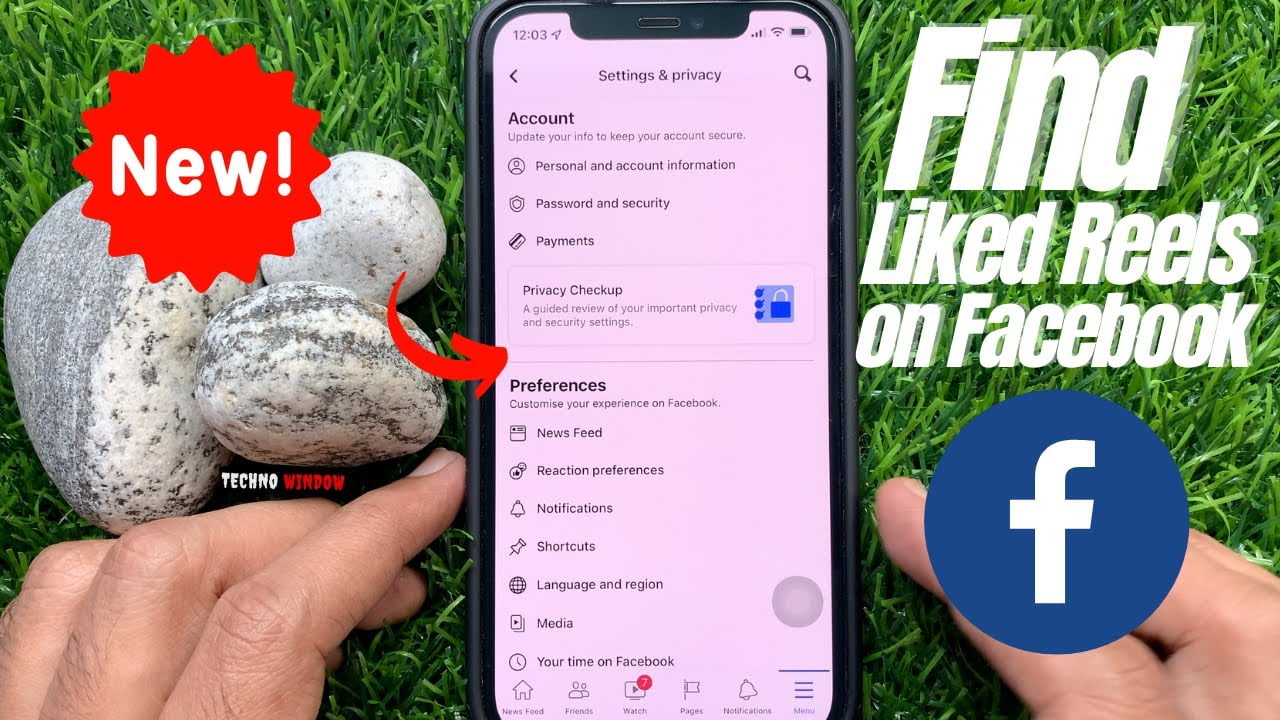
To find reels you liked on Facebook, open Activity log, then filter your activity to Likes and reactions. Tap a reel in the results to watch it again, or open its menu if you want to remove your reaction.
SMM & Reputation Growth
Grow Your Brand Online — Faster
Boost your social media presence and build a stronger online reputation with SMMSEO24. Trusted by businesses across the US.
- Fast Delivery
- 24/7 Support
- Secure Checkout
The exact buttons can change between the Facebook app, mobile browser, and desktop site. Your account type, app version, and whether the reel is still available also affect what you’ll see.
Who needs these Facebook reel steps?

People usually search for these steps for three different reasons. One person remembers liking a funny reel but can’t find it in the Reels feed. Another wants to remove a like from an old video. A third is using Facebook on a computer and can’t see the same menu shown in phone instructions.
This page serves you best if you’re signed in to your own Facebook account and can open your profile. You don’t need the reel’s creator name, but knowing roughly when you liked it can save time.
The steps assume you’re using the current Facebook app or website, not Facebook Lite or an old app version. If you’re trying to find a reel someone else liked, these instructions won’t show their private activity. You’ll need the reel’s link, creator, or another public clue instead.
The same activity can also appear differently on iPhone, Android, and desktop. If a label is missing, use the closest option named Activity log, Likes and reactions, or Your activity.
What changes the search result?
The first factor is your starting device. On a phone, the route usually begins from your profile picture and the three-dot menu. On a computer, Activity log may appear directly on your profile or under the account menu. Check the screen width before assuming a button is missing.
The second factor is the activity filter. Facebook records different actions separately, including likes, reactions, comments, and saved items. If you open only Comments, a reel you liked without commenting won’t appear.
The third factor is the reel’s current status. A reel may no longer open because the creator deleted it, changed its audience, or disabled the account. Your like can still appear in activity history even when the original video can’t be played.
The date range also matters. A long activity history may show recent actions first, so scroll through the correct month or year instead of searching the whole list at once. Facebook’s labels and layout can change after app updates.
The filter is the part people get wrong most often. They choose Saved because they remember the video, but saving a reel and liking a reel are different actions.
Find liked reels on Facebook
Use these steps in the Facebook mobile app. The wording can differ slightly by account, but each step should leave a clear sign before you continue.
- Open Facebook and sign in. Confirm that the profile picture and name belong to the account that liked the reel. If the wrong profile is active, switch accounts before searching.
- Open your profile. Tap your profile picture or your name. Your profile page should show your posts, photos, and profile controls.
- Open the profile menu. Tap the three dots beside Edit profile or near your profile header. A menu should appear with account or profile actions.
- Tap Activity log. If you don’t see it, tap Manage posts, Your activity, or See more and look for the activity option. The activity page should show actions linked to your account.
- Choose Likes and reactions. On some versions, tap Your Facebook activity first, then choose Comments and likes or a similar label. You should now see reactions instead of every account action.
- Set a date filter if needed. Choose a year, month, or date range that matches when you saw the reel. The result list should become shorter after the filter applies.
- Look for the reel entry. Tap an item that shows the reel thumbnail, creator, or original post. Facebook should open the reel if it’s still available to your account.
- Use the item menu when needed. Tap the three dots beside the activity entry to open, remove, or manage the reaction. The available choices depend on the reel’s current status.
- Return to Reels if the item opens as a post. Tap the video or reel preview rather than the text around it. A working preview should start playing or open the reel page.
If the reel doesn’t open, don’t keep tapping random buttons. The creator may have removed it, or its audience may no longer include you; search by the creator’s name only if you need to confirm that.
The important judgment call is choosing Likes and reactions, not Saved or Comments. If you saved the reel without liking it, use Saved instead; if you commented on it, check comments as a separate activity.
Facebook reel searches at a glance
The best route depends on what you remember and where you’re using Facebook. Start with the matching case below.
| Situation | What to do | What it takes | What to watch for |
|---|---|---|---|
| Liked it on phone | Open Activity log | A few menu taps | App labels may differ |
| Liked it on computer | Open profile activity | Larger screen helps | Menu may be elsewhere |
| Saved but didn’t like | Open Saved items | Saved list access | Don’t use reaction filters |
| Commented on it | Filter comments | Comment history | Like may be absent |
| Remember the creator | Search creator profile | Creator name needed | Reel may be deleted |
| Know the date | Filter date range | Approximate date helps | Use the right year |
| Reel won’t play | Check availability | Original post required | Privacy may have changed |
Details that improve the result

Prepare the search
Start with the account that reacted to the reel. Facebook won’t show another person’s private likes through your Activity log, even if you know that person’s name.
Use a date clue before scrolling. “Last summer” isn’t a Facebook filter, so turn it into the correct year and check the months one at a time. A creator name, caption word, or sound can also narrow the search after the activity list opens.
Don’t confuse a heart or laugh reaction with a saved item. Reactions belong under likes and reactions, while saved videos belong under your saved content. Checking the wrong list makes a working feature look broken.
Check before leaving
Look at the thumbnail and creator name before tapping. The entry should match the reel you remember, not a nearby post that received a reaction.
If the reel opens, confirm that the reaction icon is still active. If it’s gray or missing, the reaction may have been removed, the post may have changed, or the content may no longer be available to you.
Leave privacy, security, and account settings alone while searching. If Facebook asks for a password or security code, use the normal account login flow; don’t enter those details into a link sent by another person.
Facebook reel problems and fixes
Activity history can show that you interacted with content without guaranteeing that the original reel still exists. Match the screen you see with the first safe fix below.
| What you notice | What it usually means | What to do first | How to stop it happening again |
|---|---|---|---|
| No liked reels appear | Wrong activity filter | Choose likes and reactions | Check filter name carefully |
| Activity log is missing | Menu layout changed | Open profile three-dot menu | Update Facebook app |
| Reel entry won’t open | Original content unavailable | Check creator profile | Save important reels |
| Saved list is empty | Reel wasn’t saved | Check likes and reactions | Save reels you need |
| Only recent actions show | Date filter is active | Clear date filters | Review filter before scrolling |
| Desktop steps look different | Website layout changed | Use profile activity menu | Follow current screen labels |
| Wrong profile appears | Different account is active | Switch to correct account | Check profile before searching |
Facebook rules that affect access
Facebook controls what you can see through the privacy setting and current status of the original reel. A creator can remove a reel, change its audience, or restrict access, so your old reaction doesn’t guarantee that you can watch the video again.
Meta’s help information describes the Facebook Activity Log as the place to review actions connected with your account. Facebook may place likes, reactions, comments, and other actions under separate filters.
Your Activity log is for your own account. It isn’t a tool for viewing another person’s private reactions, and you shouldn’t try to bypass privacy controls with third-party apps or browser extensions.
If Facebook asks for unusual login details, stops you after a security check, or shows an account ownership problem, stop searching. Use Facebook’s official account recovery and support options instead of giving your password to someone offering help.
Time and effort involved
Finding one recent liked reel usually takes only a few taps once you know the Activity log route. Older reels take longer because you may need to set a year or month filter and check several similar entries.
The main cost is attention, not money. You’ll spend more time when you remember only the video’s topic, when the activity list is large, or when Facebook has changed the menu after an update.
A deleted or restricted reel can’t be restored from your like history. In that case, the history may confirm that you reacted, but you’ll need the creator, caption, or another viewer to find a separate copy or related post.
For the clearest estimate, check how many activity entries appear after choosing the correct year. If the list remains large, narrow it by month instead of scrolling without a filter.
Keep useful reels easier to find
A like is useful for recording your reaction, but it isn’t a reliable personal library. If you expect to return to a reel, use Facebook’s Save option as well, when that option is available.
Keep a short note of the creator name or a distinctive phrase for reels you’ll need later. This gives you a second search path if the activity entry opens slowly or the original video changes.
When a reel stops opening, check whether the creator’s profile still exists and whether other posts from that creator are visible. If the whole profile is unavailable, the problem probably isn’t your Activity log.
Avoid third-party “liked video finder” tools. They can ask for account access that Facebook’s own activity tools don’t need, and they may expose your login details.
When Facebook reel search isn’t enough

This method isn’t suitable when you’re trying to find a reel liked by someone else. Their reactions may be private or unavailable, so ask them for the reel link or search for the creator’s public profile instead.
It also won’t recover a deleted reel. If the activity entry remains but the video won’t load, look for the creator’s repost, a shared link, or a public copy rather than trying to restore it through Facebook settings.
Use a different approach if you need a complete viewing history rather than liked content. Check Saved items, browser history, Messenger conversations, or your device’s link history, depending on where you first opened the reel.
If your account is locked, hacked, or asking for identity verification, stop using normal troubleshooting. Go through Facebook’s account recovery process; don’t install software or share a security code with another person.
Frequently asked questions
Can I see all the reels I liked on Facebook?
You can see available liked activity through Activity log and Likes and reactions, but not every original reel will still play. Deleted reels, changed audiences, disabled accounts, and removed reactions can leave an entry that no longer opens.
Why can’t I find a reel I liked on Facebook?
The usual reason is a wrong filter, an active date range, or a different Facebook account. Choose Likes and reactions, clear restrictive dates, and confirm the profile picture before checking the list again.
How long does Facebook keep liked reels?
Facebook doesn’t promise that every liked reel will remain watchable for a fixed period. Your activity record and the reel itself are separate, so the record may remain after the creator deletes or restricts the video.
Is it safe to use an app that finds liked Facebook reels?
No third-party app is needed to check your own likes. Use Facebook’s Activity log instead, and don’t provide your password, login code, or account token to a tool claiming it can reveal hidden reactions.
What happens if a liked reel is deleted?
The activity entry may still show that you reacted, but the reel won’t play. Search the creator’s profile or your messages for a repost, although a deleted original can’t be recovered from the like alone.
Does it matter if I saved the reel instead?
Yes, saving and liking are separate actions. A saved reel belongs in Saved items, while a reaction belongs in Likes and reactions. Check both lists if you aren’t sure which button you tapped.
How do I remove a like from a Facebook reel?
Open the reel from your activity list, then tap the active reaction button to remove it. If the reel won’t open, use the activity entry’s menu and choose the removal option if Facebook provides one.
Start with Facebook Activity Log
Open your profile, choose Activity Log, and filter for Likes and Reactions before scrolling. A matching thumbnail or creator name shows you’ve found the right activity, while a missing or locked reel means you should stop and use Facebook’s support or recovery tools.

WRITTEN BY


